Service Interface
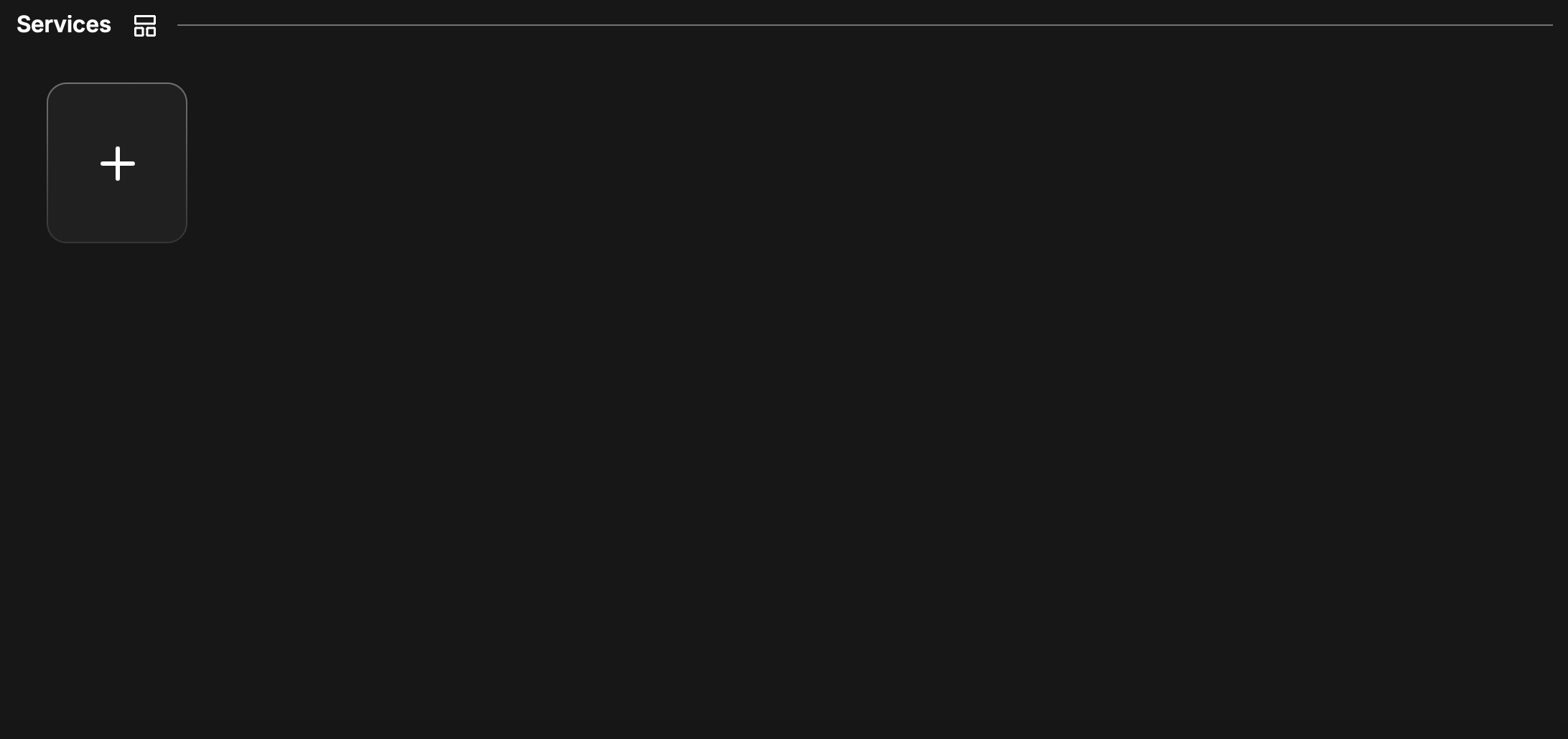
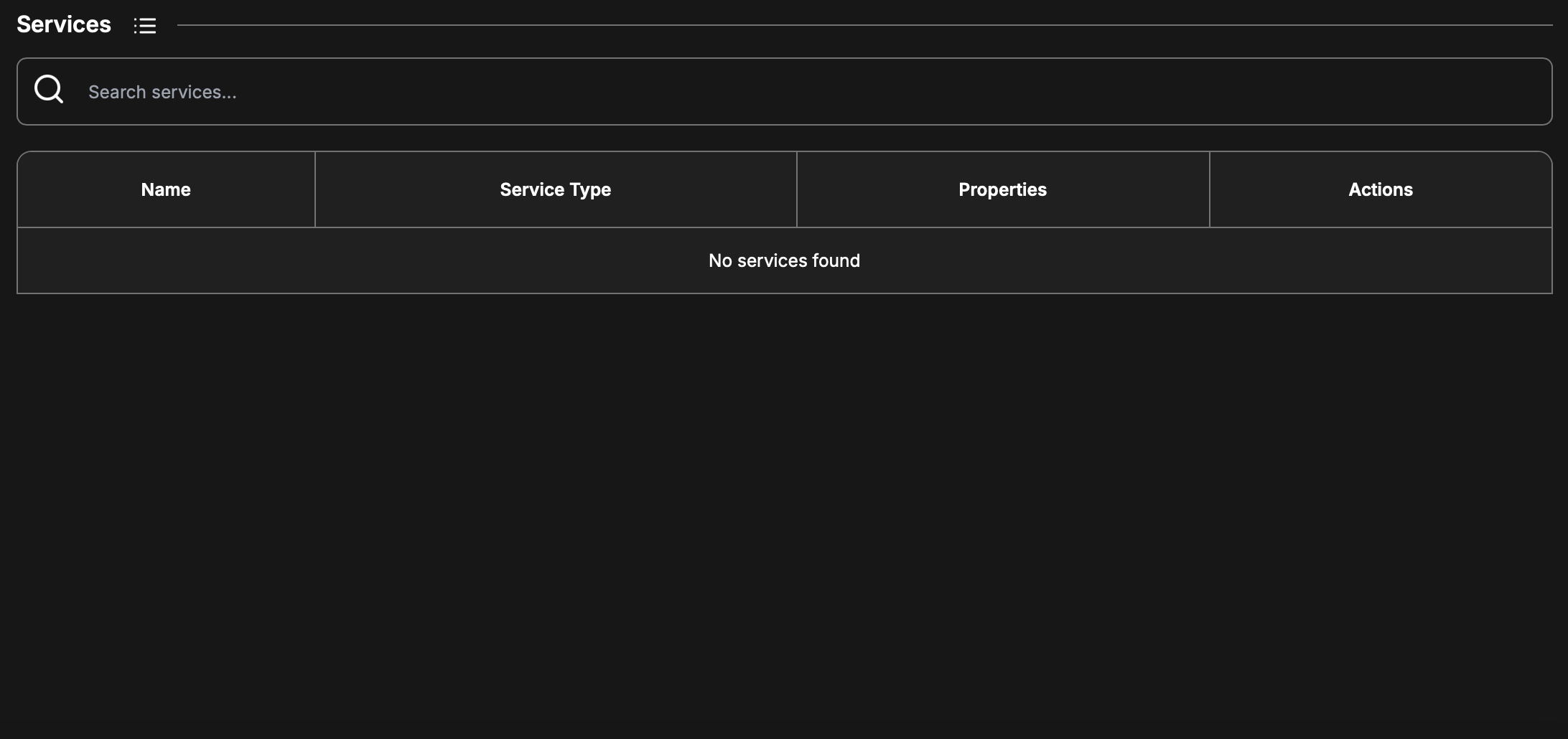
There are two primary views for the Service list, there is a compact view (tabular) and a icon view. This is toggled by clicking the button adjacent to the Services label on the interface.
Icon view
Compact view
A new firmware has no services defined, so lets add a new service definition. Clicking on the + icon button, the following panel is opened.
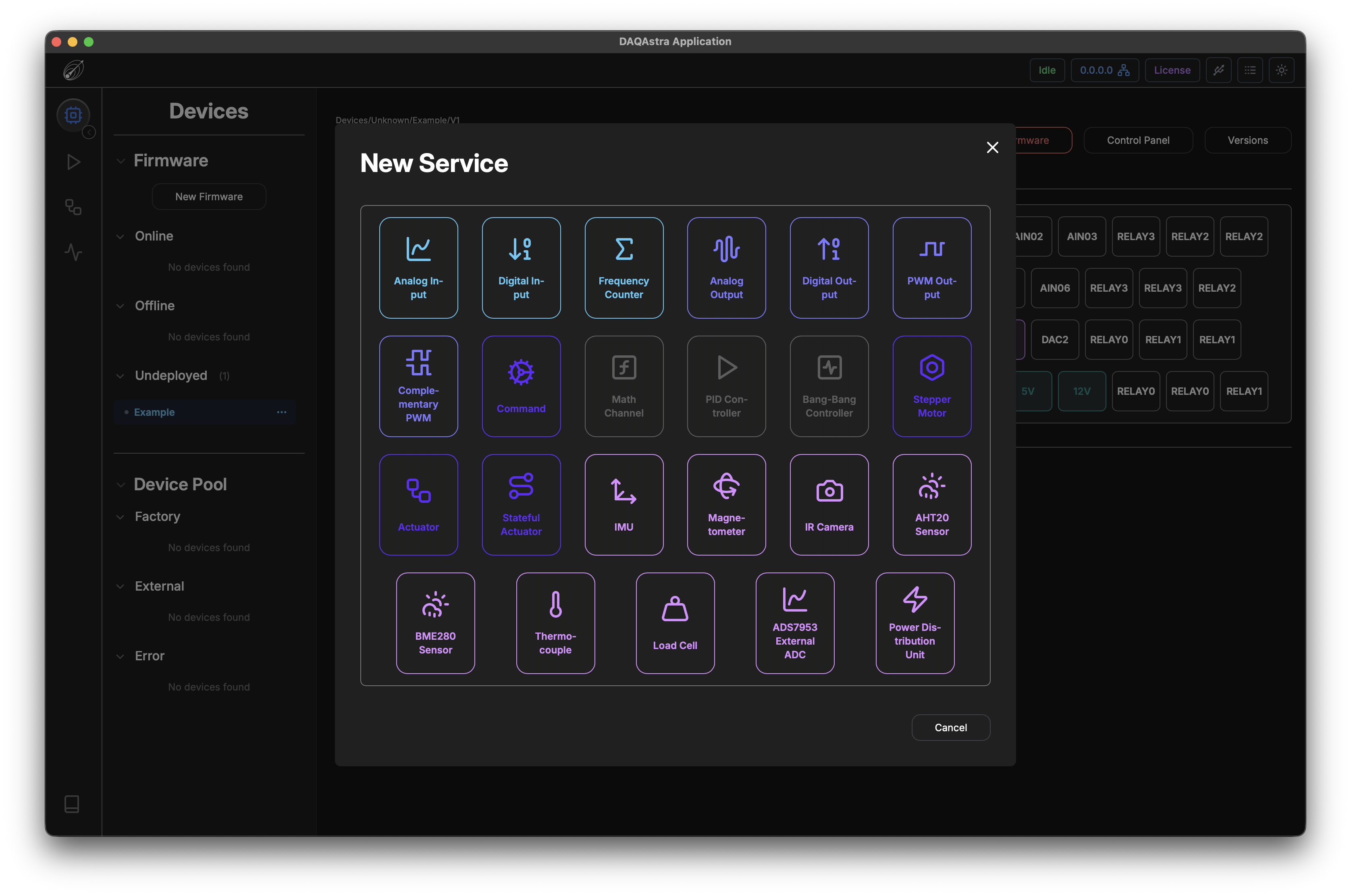
Each of the services listed here are defined in detail in the Service Types section. As an example, though, we will just create a Digital Output service.
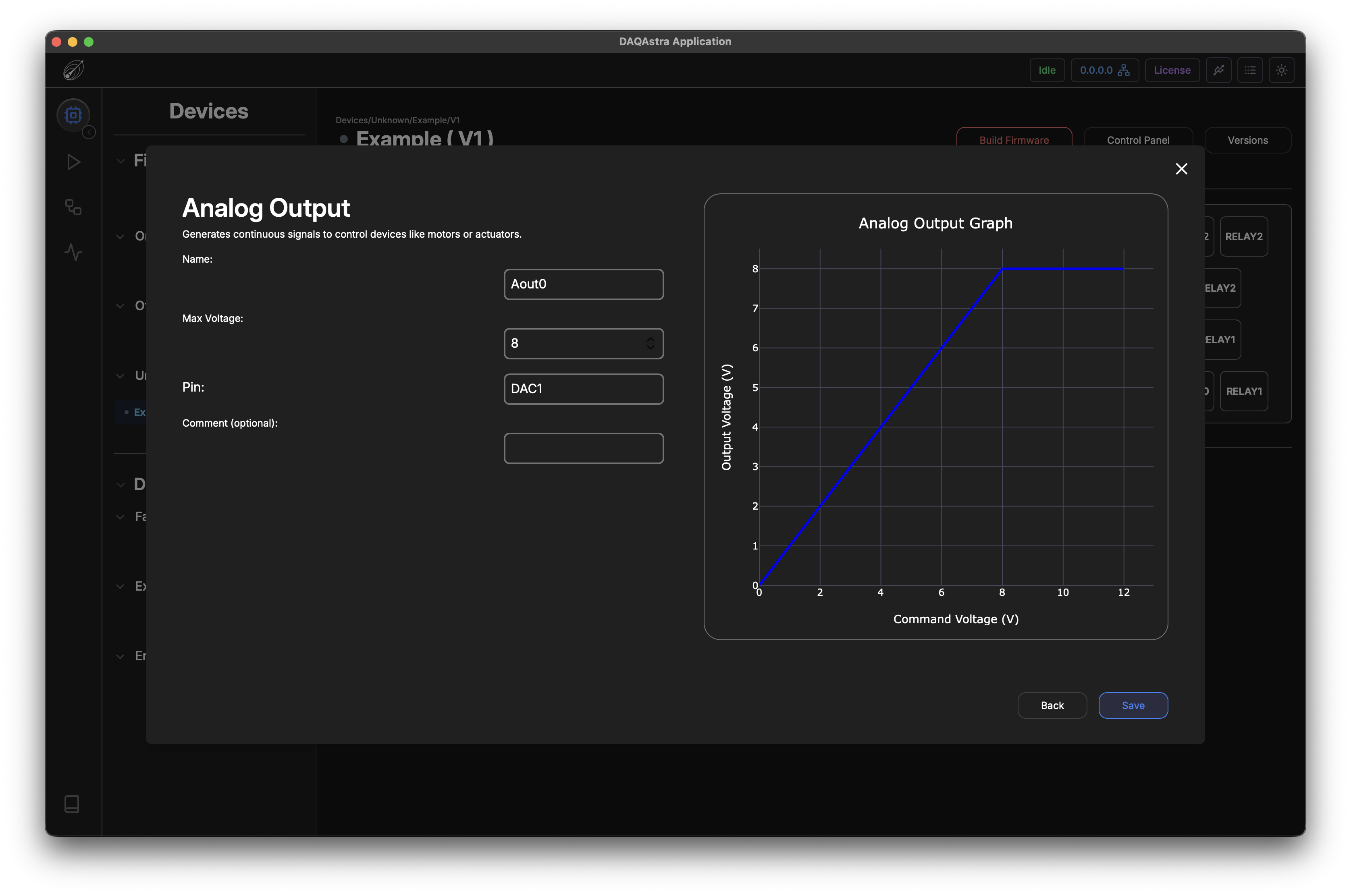
Filling out the form and clicking Save will add this service to the list and light up the pin(s) that are used in that service.
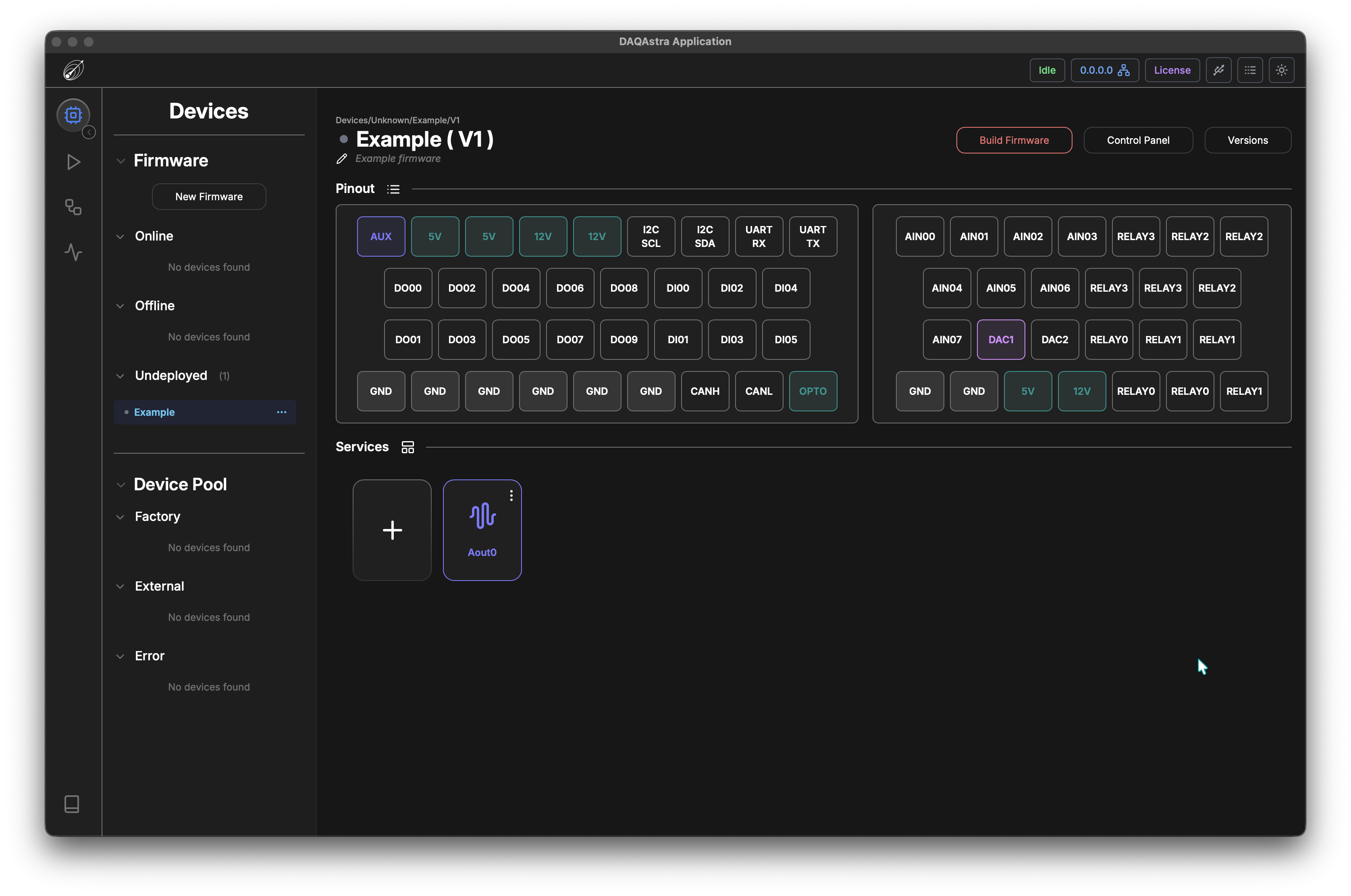
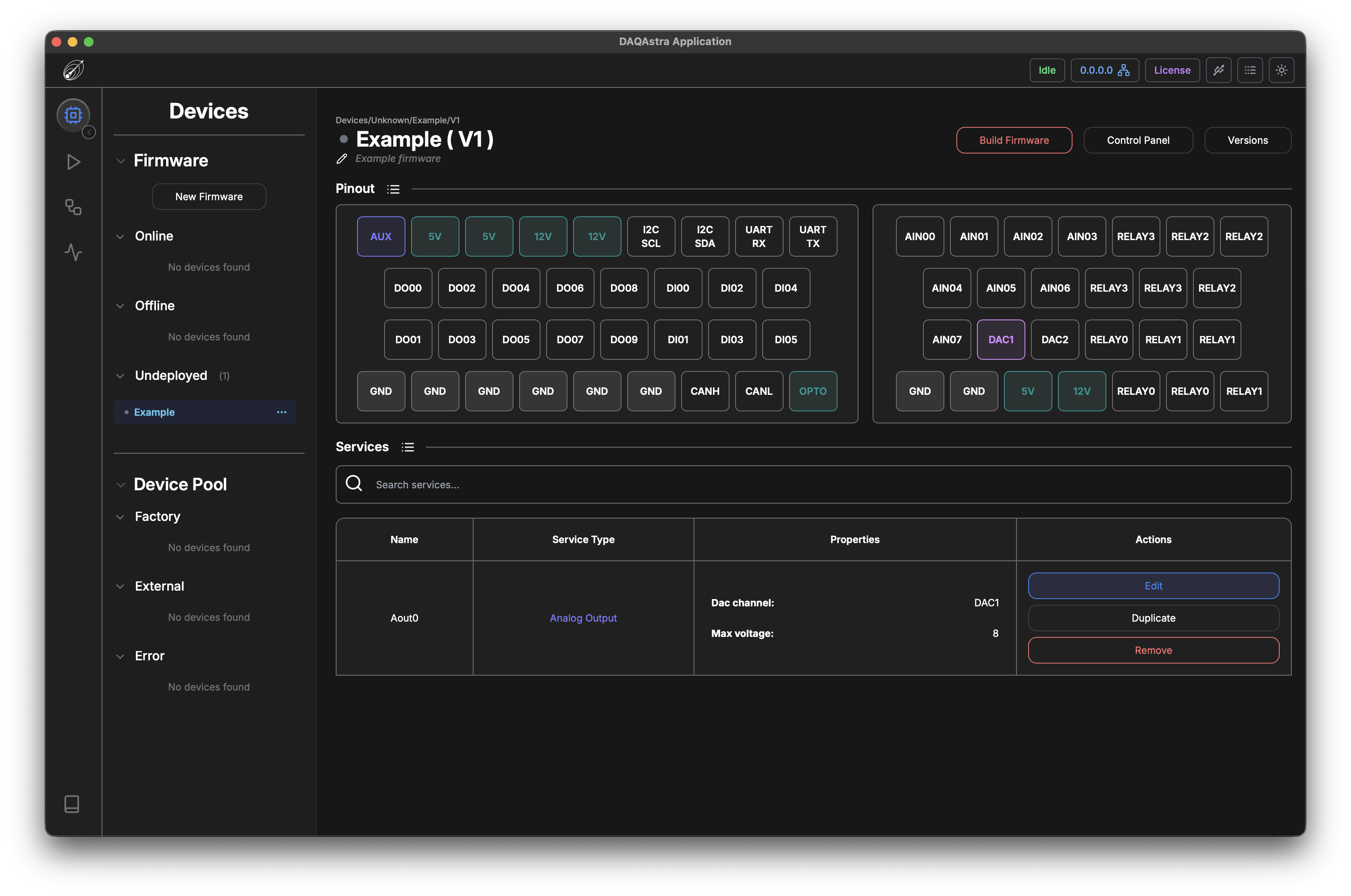
The Actions available in the compact view can also be access in the icon view via right-click.
-
Edit: The user can modify configuration fields of the existing service. -
Duplicate: The user can copy all of the non-unique fields of the configuration and clone them. They will just have to specify a new name and an unused pin. -
Remove: This will delete the service from the firmware.